
Turn one brief into content for your business.
Describe your goal. pixGravity plans and creates images, editable designs, copy, voiceovers and short videos, guided by your brand and kept in one project.
Made with pixGravity
Selected work from our own projects.

Winter, styled.

Henry watch works
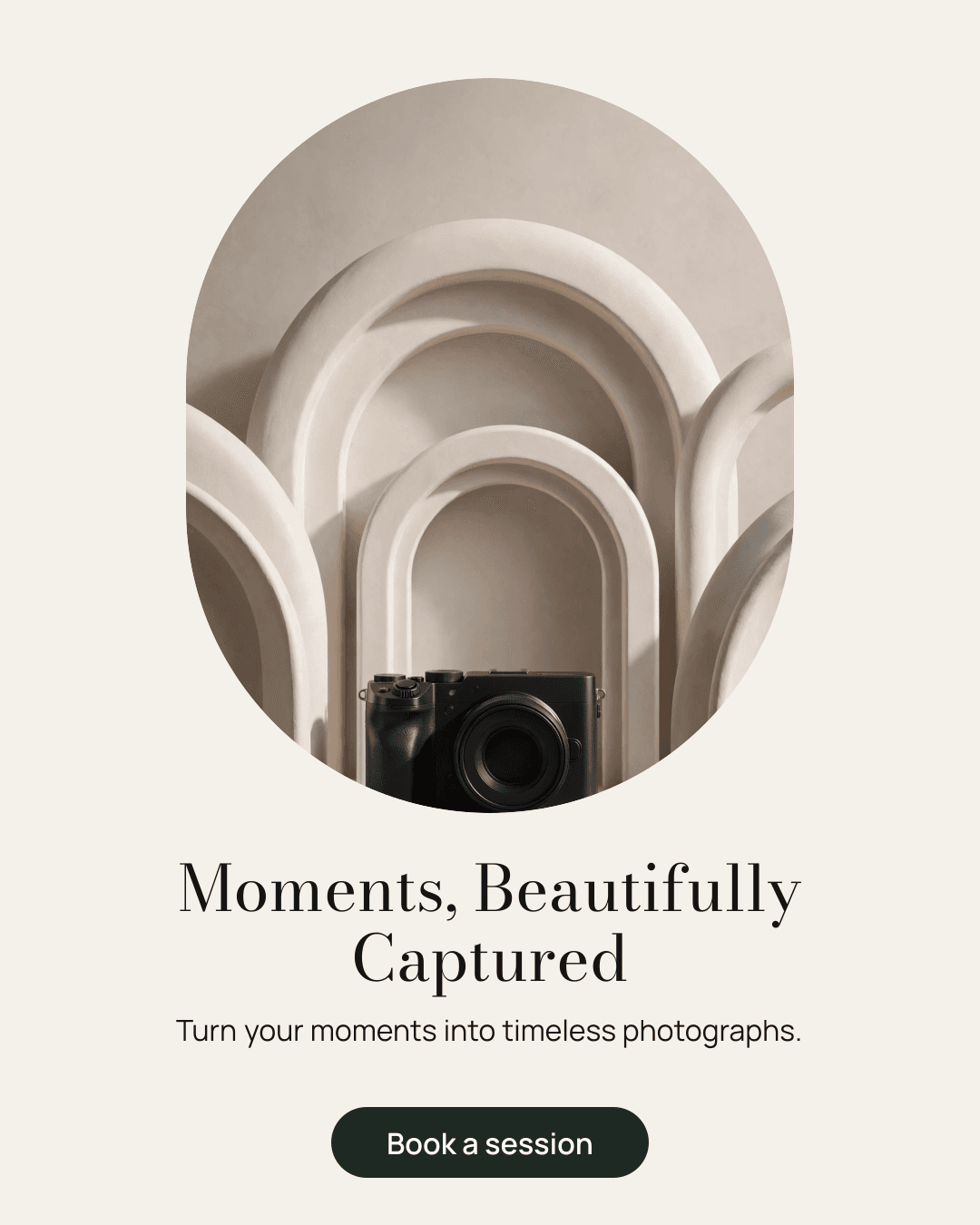
Moments, beautifully captured

A tiny rainforest
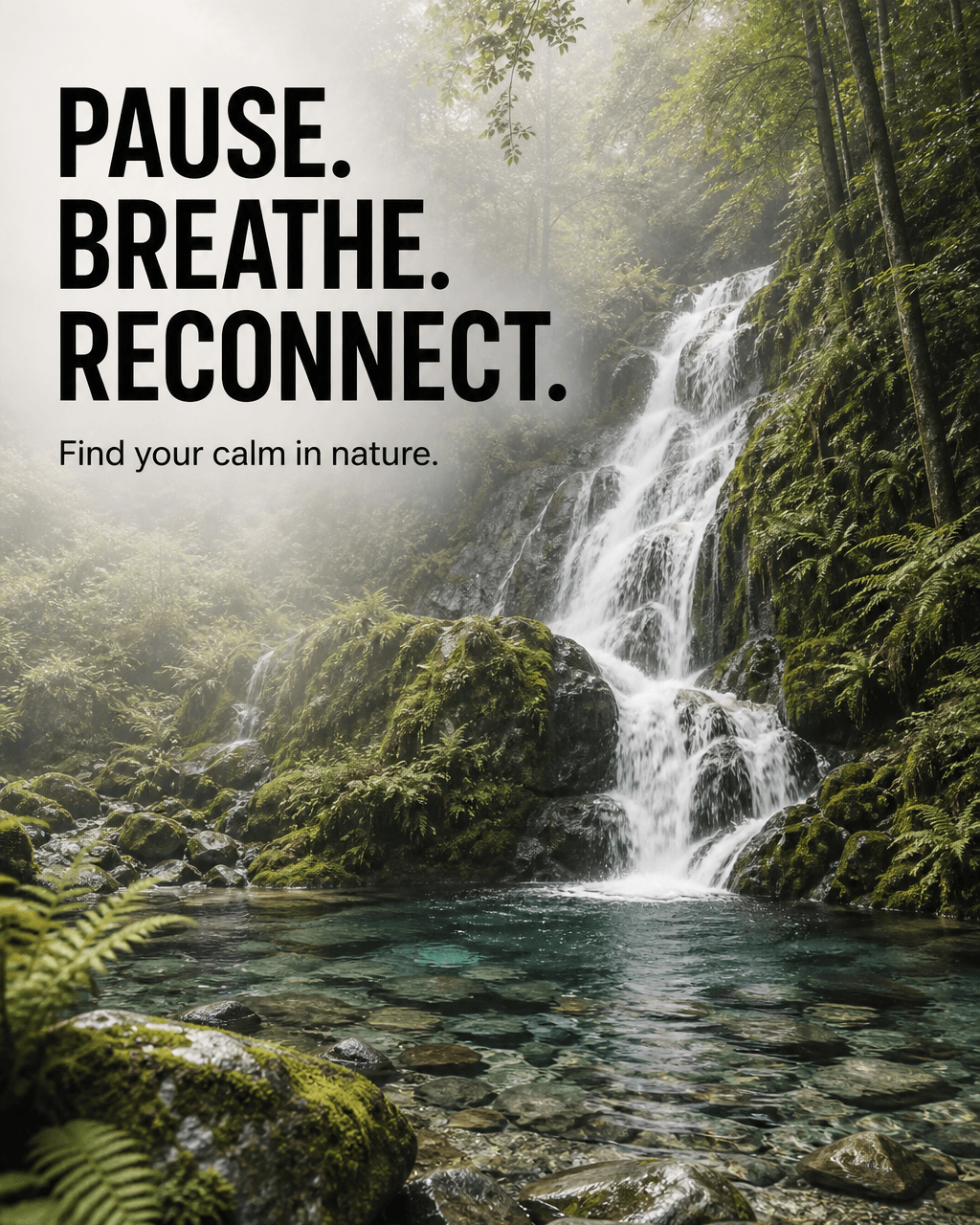
Pause. Breathe. Reconnect.

Make mornings a breakfast date

A softer afternoon

A warm evening at the table


Original generated images and wording, shown as delivered. Demo businesses, not customer endorsements.
A real project, replayed
The questions it asked, the brief it wrote, and the content it created.
A real pixGravity run for a fictional wellness retreat. Explore the questions, brief and delivered work. Timing is shortened for the replay.
What you typed
I run a small wellness retreat in the mountains. I want to promote our weekend nature retreat on Instagram, with a short voiceover for a reel
Say what you want, the way you'd tell a designer.
Made for small businesses, creators and teams
Wellness and fitness
Classes, retreats and offers promoted every week
Shops and brands
Product images, ads and seasonal campaigns
Professional services
A consistent, professional presence on social
Photographers and creators
Portfolio posts, thumbnails and brand assets
Agencies
Client content, organised by project
Maestro, built in.
Maestro turns your goal into a clear creative plan, with tools selected for each task. You review the plan and its estimate before anything is created.
Understand the goal
Works out what you're trying to achieve, not just what you typed.
Use your context
Your brand profile, earlier work in the project, and any reference you upload.
Ask only if it matters
At most two questions, and only when the answer would change the plan.
Write the creative brief
The intended response, the visual focus, the message, the format and the visual direction.
Choose the tools
A suitable model for each task: text-accurate models for graphics with words, editing models for photos.
Create and review
Images, designs, copy and voiceovers are reviewed against the brief and refined automatically. Each video request creates one clip, delivered as made.
Bring it together
Every piece in the right format, in one project.
Create for every part of your campaign
Make one piece, or a coordinated set. Everything in a project shares its brief and Maestro’s direction.
Social posts and stories
Designed posts and stories for Instagram, Facebook, LinkedIn, TikTok and WhatsApp, in the format each platform needs.
- “Promote our weekend nature retreat on Instagram”
Ads and marketing graphics
Ads, posters, flyers and banners with a clear message and call to action.
- “A Facebook ad for our summer sale”
Product and marketing images
Product shots, hero images and illustrations, composed for where they'll be used.
- “A misty forest landscape for our website”
Photo edits
Describe the change and pixGravity edits your photo. Your original is kept.
- “Turn this photo into a professional LinkedIn portrait”
Logos and brand identity
A logo, palette, typography and voice to guide the rest of the project, and your brand profile if you choose.
- “Create a brand for my coffee roastery”
Captions, headlines and ad copy
Copy in your brand's voice, written from the facts you provide and checked against platform limits.
- “Instagram captions for our new photo series”
Voiceovers
A script in your brand's voice, read in a natural voice and compared with the script before delivery.
- “A calm 15-second voiceover for our retreat reel”
Web & UI designs
Landing pages and app screens as editable designs, with wireframe views and PNG and SVG downloads. Landing pages also include website code.
- “A landing page for our weekend retreat”
Short videos
Short clips for reels, stories and ads, with optional sound made with the clip. Each request creates one clip; refine it as needed.
- “A slow drone shot over a mountain lake at sunrise”
One request, a whole launch
Example scenarios showing how the pieces work together. They illustrate the product; they aren't customer testimonials.
A wellness retreat
Wants more weekend bookings
“Promote our weekend nature retreat on Instagram”
- Hero nature photo
- Instagram post and story
- Caption, hashtags and call to action
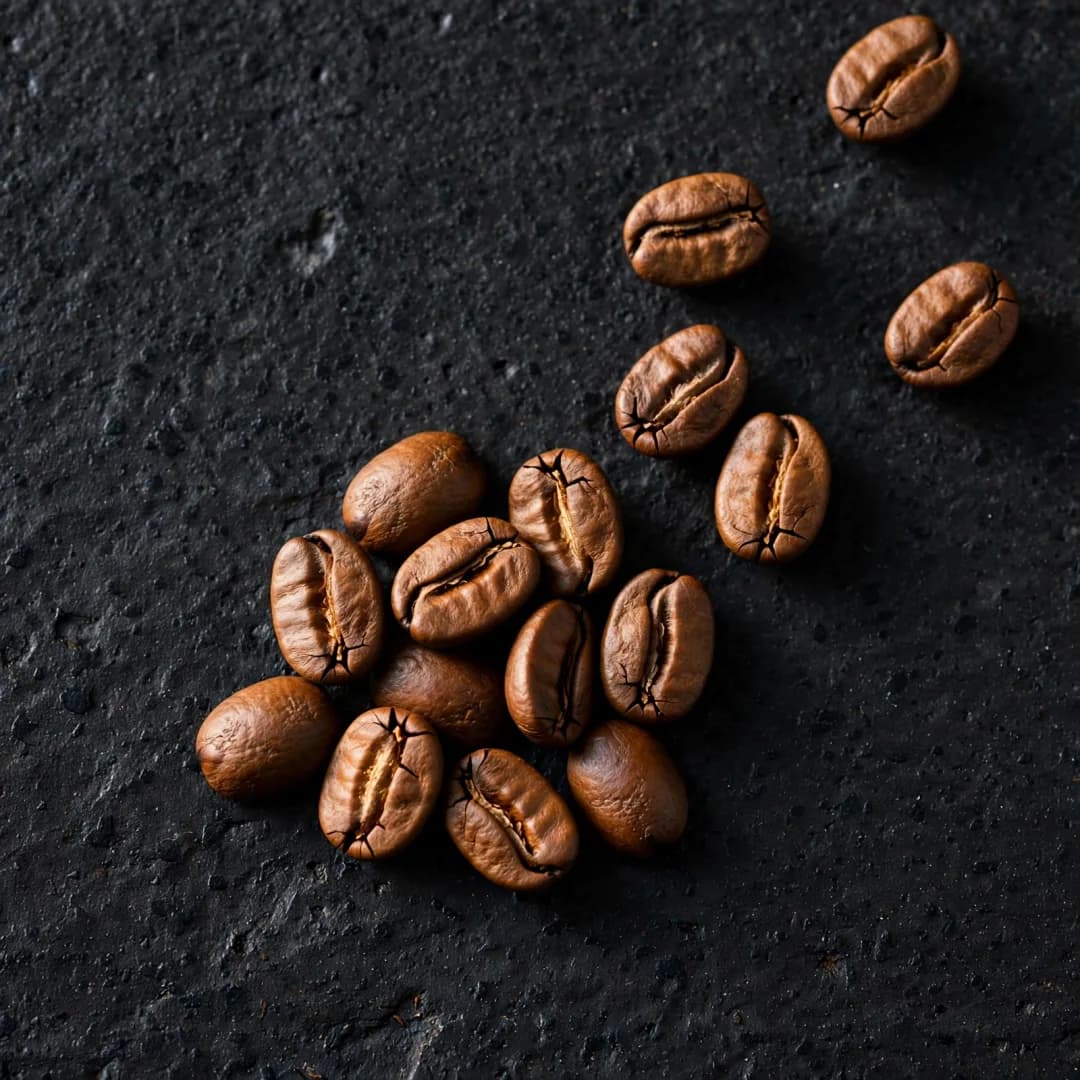
A coffee roastery
Launching a new product
“Create a brand for Northbound Coffee, a logo, and a post announcing our cold brew”
- Brand identity: palette, type, voice
- Logo
- Launch post in the brand
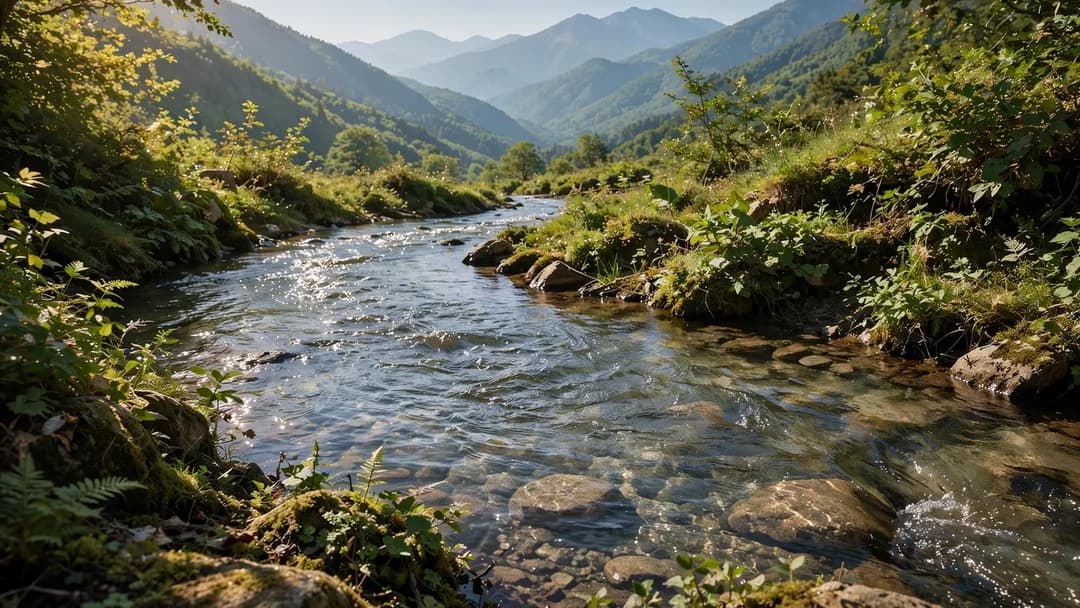
A landscape photographer
Preparing a new portfolio
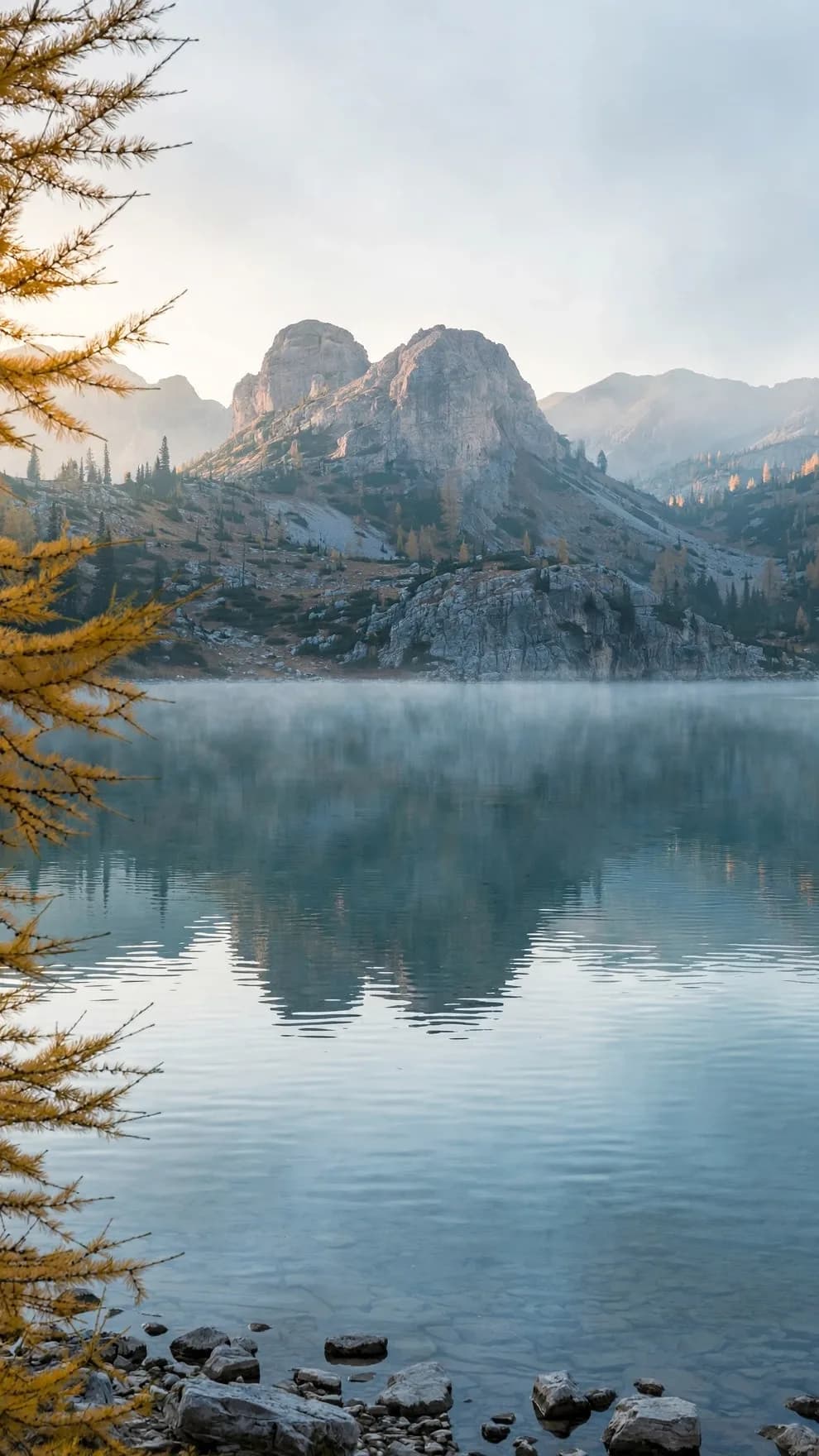
“Make this lakeside photo warmer, with softer morning light”
- Edited photo
- Before and after view
- Original kept
Choose a plan for the way you create
Plans include monthly credits. Planning and creation are estimated separately, and unused reserved credits are released when each step finishes. Every plan includes all creation tools. Paid plans include more credits and videos without the pixGravity watermark.
Free
$0 CAD /month
Try pixGravity on a real project.
Topped up to 100 credits each month
- Every content type
- Brand profile
- Full-resolution downloads
- pixGravity watermark on videos
Creator
$14.99 CAD /month
For solo creators and side businesses.
1,000 credits each month
- All creation tools · watermark-free videos
Business
Recommended$39.99 CAD /month
For businesses creating every week.
4,000 credits each month
- All creation tools · watermark-free videos
Pro
$89.99 CAD /month
For businesses creating every day.
12,000 credits each month
- All creation tools · watermark-free videos
Agency
$199 CAD /month
For agencies and teams creating at high volume.
30,000 credits each month
- All creation tools · watermark-free videos
Enterprise
Custom
For organisations at scale.
Custom credits
- Invoiced billing
- Talk to us about your needs
Questions, answered
Do I need to know how to write prompts?
No. Describe what you need the way you'd brief a designer. pixGravity works out the brief, the format and the generation instructions itself.
What can it create today?
Social posts and stories, ads and marketing graphics, product and marketing images, photo edits, logos and brand identity, captions, headlines and ad copy, voiceovers, web & ui designs and short videos, on their own or as a coordinated campaign.
Does Web & UI create a live website or app?
Web & UI creates editable landing page and app-screen designs. Download PNG or SVG, explore a wireframe view, and download website code for landing pages. App screens also include a user-flow board. A landing page can also be published as a live website at its own pixGravity address or your own domain, free on every plan. Building working apps is not included.
What is a credit?
Credits measure AI work. Planning and creation are estimated separately: credits are reserved when a step starts, and unused reserved credits are released when it finishes. Your billing page shows each reservation and release.
How does it keep content on-brand?
Your brand profile (name, colours, typography, voice and logo) guides each new creation, and AI review checks images and designs against the brief. Always review text and details before you publish.
What if I don't like a result?
Choose another version, or use Refine with a note such as "warmer colours" or "larger headline". Refining uses additional credits, and earlier versions stay in your project.
Are video refinements automatic?
No. Each video request creates one clip. If it isn't quite right, use Refine to describe the change; each refinement uses additional credits.
Can my team use it?
Yes. Create a team workspace to invite people. Each workspace has its own projects, brand profile, credits and billing.
What we're working on next
Planned work. None of it is available yet, and plans may change.
Design tool hand-offPlanned
Canva and Adobe hand-off
PublishingPlanned
Direct posting to Instagram, Facebook, LinkedIn, TikTok and YouTube (built; each network is reviewing pixGravity before it switches on)
Larger teamsPlanned
Single sign-on · Approval workflows · Shared team libraries
What would you like to create next?
Describe your idea and review a creative plan before anything is created.